

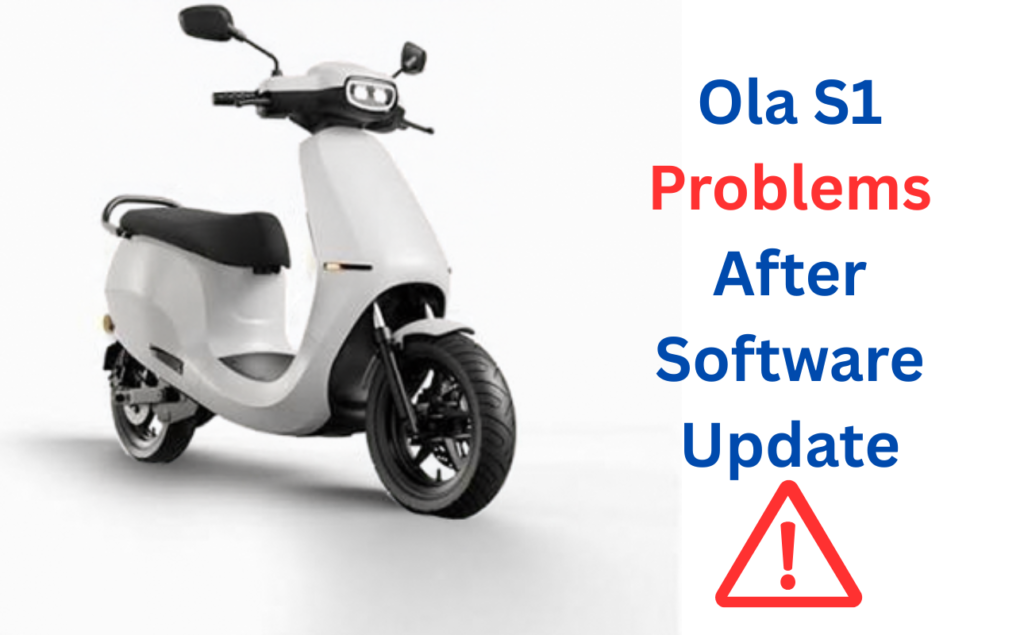
Did your Ola S1 start acting odd right after an update? You’re not imagining it. Real owners report this too. This guide covers the exact issues. It gives you real fixes. Not guesses.
Why Updates Can Cause New Problems?
Ola scooters run on software, much like a phone. Each update, called MoveOS, adds features. It can also change how the motor, range screen, and ride modes behave. Most updates go fine. But a small share of owners hit bugs right after. This happens on many software-run vehicles. It’s not just an Ola thing.
Confirmed Issues Owners Report After An Update
These are real, reported patterns. Not rumors.
Hyper Mode Stops Working
Some owners lose access to Hyper mode right after a firmware update. The mode just won’t turn on. Even though it worked fine before.
The Charger Won’t Connect Mid-Update
If an update is still running when you plug in the charger, the two can fail to link up. This isn’t random. It’s a timing issue tied to the update itself.
General Glitches Right After Updating
Some owners have posted public warnings on review sites. They tell other buyers to hold off on updating. Problems showed up right after they did. This isn’t just one case. It’s a pattern worth taking seriously.
A Dim Or Stuck Screen After A Long, Fast Ride
One owner on Team-BHP shared a detailed account. The screen went dim and stuck after a long, fast ride. A restart fixed it, after 20 to 25 minutes. This may be heat, not just software. But the fix is the same either way.
One Thing That’s Not A Software Bug: Normal Range Drop
This part matters a lot. Many owners see a lower range than Ola’s website number. They assume an update caused it. Most of the time, it didn’t. Ola has said its listed range is a “test” number. The real-world number, which Ola calls True Range, is often lower. Even with no update at all. Don’t mix up this normal gap with a true update bug. The fixes below are for new, sudden issues right after an update. Not for daily range being lower than the ad.
Step-By-Step: How To Fix It
Step 1: Restart It Fully
Turn it off. Wait a full minute. Turn it back on. This clears many small bugs right after an update.
Step 2: Redo The Update The Right Way
If the issue began during the update, try it again, in order. Plug the charger into the scooter first. Then turn on the wall socket. The wrong order can cause a broken update.
Step 3: Let It Charge Fully, Once
Give it one full, unbroken charge after an update. Some bugs only clear once a full charge is done.
Step 4: Check The App For A Follow-Up Fix
Ola often ships a small patch to fix bugs from a big update. Open the app. Check for anything newer than what you already have.
Step 5: Don’t Charge Mid-Update
Don’t plug in the charger while an update still shows as “installing.” Wait for it to finish first.
If The Problem Still Doesn’t Clear
If a restart and a full charge don’t fix it, it’s time to call support or book a service visit. Be exact about what you tell them. Say this: “This started right after I installed the latest update.” That one line helps a lot. It tells them to check the software logs first, not guess at hardware.
Should You Update Right Away Next Time?
You don’t have to update the moment a new version drops. If you ride daily, it can help to wait a few days after a big release. Early bug reports often show up within the first week, on forums and review sites. A short wait can save you a bad day.
Finally
A new problem right after an Ola update is a real, known pattern. Not something you imagined. Hyper mode locking up, charger link failures, and general post-update bugs have all been reported by real owners. A full restart and one full charge fix most cases. If it still doesn’t clear, tell your service center exactly when it began. That one detail points them straight to the real cause.
FAQs
Not usually from the update itself. Ola’s listed range and its real-world True Range differ, even with no update involved. Don’t assume every range gap is a bug.
No. Most updates make the scooter better. It helps to wait a few days after a big release, so early bugs get caught first. But skipping updates long-term isn’t a fix.
Not safely, on your own. If one update is causing real problems, raise it with Ola support directly.
Software-caused issues are usually fixed through support, at no cost. Since they come from the update, not damage or misuse. Confirm this for your exact case with your service center.