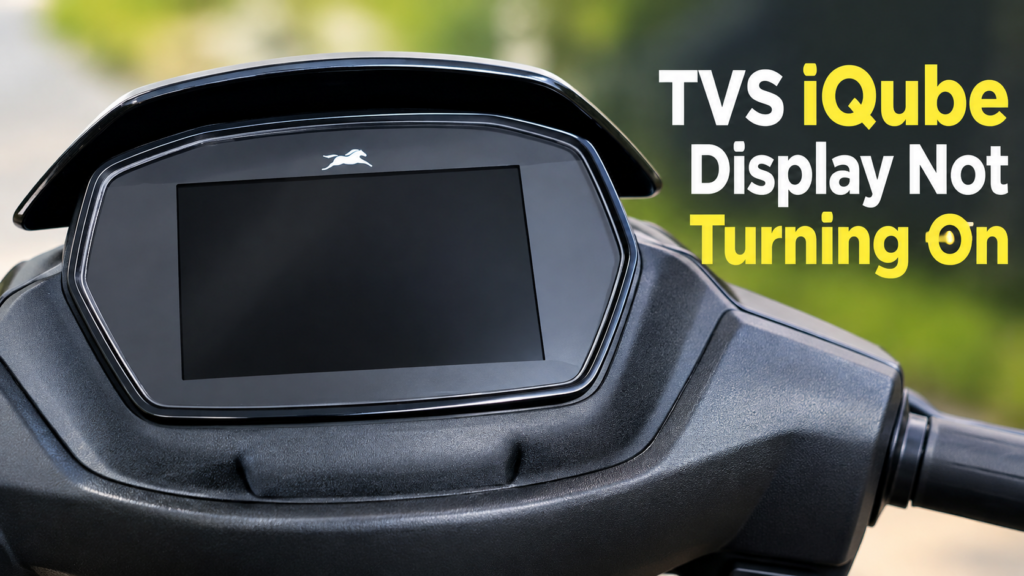
Does your TVS iQube screen go blank? Does this happen right after you unplug the charger? You are not alone. Real owners report this exact issue. This guide covers why it happens. It gives you real steps to try next.
The Exact Issue, As Owners Report It
Here is the pattern. You plug in the charger. The screen shows 100%. You unplug it. The screen goes fully dark. No lights. No numbers. Nothing at all.
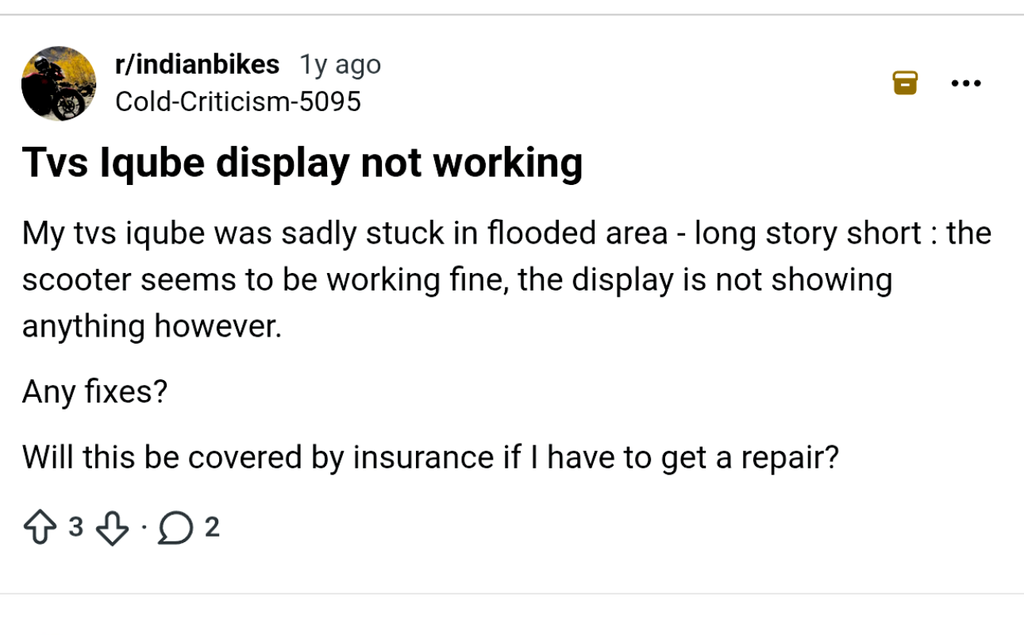
Real iQube owners have shared this exact issue on review sites. It is not a rare, made-up glitch. It’s a known pattern.
Mostly Avoid to drive electric scooters in heavy flooded area, sometimes electric scooters survive in that situation, but after two days problem start like that.
Why This Happens
The iQube does not use a separate small battery for the screen. TVS confirms this on its own site. The screen, lights, and other low-power parts all run off the main battery. A part called a DC-DC converter steps that power down to a safe, low voltage for the screen.
So if the screen goes blank the moment you unplug the charger, the main battery isn’t the likely fault; it may show full the whole time. The more likely spot is this DC-DC converter, or the wiring and connector tied to it. A fault here can cut power to the screen, even while the main battery stays fine.
Some other electric scooters do use a separate small battery for this job. But the iQube’s setup is different, so don’t assume the same fix applies across every brand.
Try These Steps First
Go through these steps in order.
Step 1: Wait A Moment First
Don’t panic the second you unplug it. Give the screen 10 to 15 seconds. Some units need a moment to switch power sources.
Step 2: Press The Power Button
Try the start button. Sometimes the screen needs a manual wake-up once the charger comes off.
Step 3: Check The Charging Port
Look at the port and plug. Check for dirt or a loose fit. A weak connection can throw off how power gets read.
Step 4: Try A Full Reboot
Turn the scooter fully off. Wait a minute. Turn it back on. This clears many small screen glitches on its own.
Step 5: Check For A Software Update
If your iQube links to an app, check for a pending update. A fix may already exist for your unit.
When This Points To The DC-DC Converter
If these steps don’t help, and it keeps happening each time you unplug the charger, this likely points to the DC-DC converter or its wiring. Don’t try to test or open this part at home. Get a trained technician to check it.
What To Tell Your Service Center
Be exact when you report it. Say this: “The screen goes blank right after I unplug the charger, even though the main battery shows full.” This helps the tech go straight to the DC-DC converter and its connectors, instead of guessing.
Is This Covered Under Warranty?
This depends on your scooter’s age and your case. A DC-DC converter fault on a newer scooter is often treated as a factory issue. Always ask your service center to confirm this in writing before you pay for a repair.
How To Avoid This Going Forward
- Don’t let the scooter sit unused for long stretches. Long idle time can stress the low-voltage system.
- Get the DC-DC converter and its connectors checked at routine service visits, mainly after the first year.
- Report it early. A fault that’s just starting is easier to fix than one that’s fully failed.
Finally
A blank TVS iQube screen after you unplug the charger usually points to the DC-DC converter that powers the screen, not the main battery. Try a reboot and the power button first. If it keeps happening, get the converter checked. Don’t ignore it. It rarely fixes itself for good.
FAQs
The iQube runs its screen off the main battery through a DC-DC converter, not a separate battery. The main battery can be fine while this converter or its wiring has a fault.
Simple steps like a reboot are safe to try. Checking or fixing the DC-DC converter should go to a technician.
More than one owner has reported it. It’s not universal, but it’s a known pattern worth checking early.
This depends on your warranty status. Ask your service center to confirm your case in writing.